Start treating Secure Boot certificate readiness like fleet inventory
Microsoft's 2011 Secure Boot certificates begin expiring in June 2026. The useful move now is boring: inventory, firmware, pilot groups, and clear reporting before the deadline gets loud.
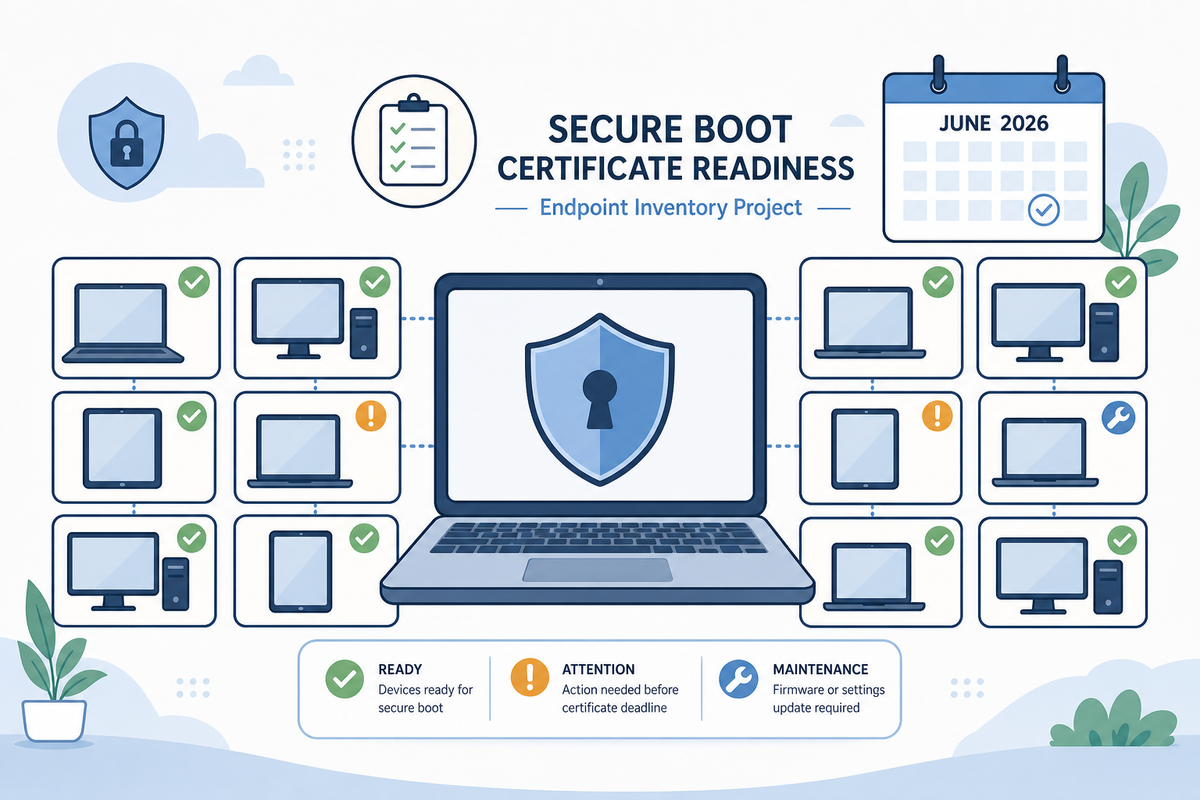
Microsoft has been warning admins about this for a while, but the Secure Boot certificate story is starting to move from background reading to actual fleet work.
The short version: a lot of Windows devices still trust Secure Boot certificates from 2011. Those certificates start expiring in June 2026. Microsoft says devices that are not updated may still boot and may still receive regular Windows updates, but they may stop receiving future Secure Boot protections for early boot components. That is a weird failure mode, which is exactly why I would not leave it to "we patch monthly, so we're probably fine."
Microsoft updated its Secure Boot playbook for certificates expiring in 2026 on May 29. There is also a newer Microsoft Learn page for updating Secure Boot certificates on Windows devices, a Windows Autopatch Secure Boot status report, and registry-key guidance for IT-managed devices. When Microsoft publishes that many breadcrumbs around the same thing, I take the hint.
The part I think admins should care about
This is not a normal app update. It touches firmware trust, boot components, recovery media, and sometimes BitLocker. Microsoft specifically recommends updating OEM firmware before deploying the Secure Boot certificate updates. That one sentence is doing a lot of work.
If you manage a tidy fleet with current firmware, current Windows updates, clean reporting, and a nice pilot process, this is probably manageable. If your fleet is a collection of hand-me-down laptops, lab machines, weird vendor images, and devices that only report in when someone opens the lid during testing week, this is where the fun begins.
The useful question is not "will Windows boot after June?" Microsoft says devices may continue to boot. The better question is: which devices can prove they are ready for the 2023 Secure Boot certificates, and which ones are just quietly aging out of early-boot protection?
What I would inventory first
I would start with three buckets.
First, find the devices where Secure Boot is enabled and the 2023 certificate update is already done. In Microsoft's registry guidance, the status lives under:
HKLM\SYSTEM\CurrentControlSet\Control\SecureBoot\ServicingThe field to watch is:
UEFICA2023StatusMicrosoft documents Updated as the good state. It also documents NotStarted and InProgress, plus error fields like UEFICA2023Error and UEFICA2023ErrorEvent.
Second, identify devices where Secure Boot is enabled but the certificate status is not updated. Those are the machines that need attention before you start congratulating yourself on patch compliance.
Third, separate the oddballs. Older firmware. Devices with BitLocker recovery history. Models you bought once because they were cheap and then immediately regretted. Machines that dual boot. Anything with recovery media that has not been rebuilt in years. Microsoft has a separate KB for Windows Boot Manager revocations tied to CVE-2023-24932, and it is full of the kind of warnings you want to read before turning a boot-related change loose on production.
A simple PowerShell inventory check can at least tell you what Windows thinks right now:
$path = 'HKLM:\SYSTEM\CurrentControlSet\Control\SecureBoot\Servicing'
Get-ItemProperty -Path $path -Name UEFICA2023Status, UEFICA2023Error, UEFICA2023ErrorEvent -ErrorAction SilentlyContinue |
    Select-Object UEFICA2023Status, UEFICA2023Error, UEFICA2023ErrorEvent
That is not a rollout plan. It is a starting point.
Where FileWave fits
If you are using FileWave, I would treat this as an inventory and workflow problem first, not as a "push this magic setting everywhere" problem.
FileWave Custom Fields can be script-based on Windows, so a Secure Boot readiness field is a reasonable thing to add to inventory. Pull the status, error code, firmware version, model, and maybe BitLocker posture into reporting. Then build Smart Groups around the mess: updated, not started, in progress, error, unknown, and unsupported.
For remediation, FileWave can also deploy Windows scripts and installers through Filesets, and the Windows Software docs are a decent reminder that scripts run elevated by default. That can help with firmware packages, vendor utilities, reporting scripts, and staged remediation work. I would still follow Microsoft's Secure Boot playbook for the actual certificate update mechanics. FileWave's value here is visibility, grouping, deployment coordination, and making the exceptions obvious.
That is not flashy, but it is the stuff that keeps a deadline from turning into a help desk week from hell.
A sane rollout shape
I would not start by setting every Secure Boot registry value in sight. Microsoft's registry guidance exists for a reason, but it also has enough detail to make clear that this deserves a pilot.
My rollout shape would look like this:
- Build the inventory view first. Know Secure Boot enabled state,
UEFICA2023Status, errors, model, firmware, OS version, BitLocker state, and last check-in. - Update firmware before certificate work, especially on older models and anything with known firmware weirdness.
- Pick a pilot group by device class, not by whoever happens to be easiest to bother. Test at least one device from each model and firmware family you actually have.
- Confirm recovery paths. BitLocker keys, recovery media, tech bench process, and documentation should be ready before the risky bit, not after the first angry ticket.
- Roll forward in waves and keep an exception list. Devices that are offline, inactive, or throwing errors need ownership, not a red dashboard nobody checks.
If you are in Intune or Windows Autopatch, use the Microsoft reports. If you are in Defender for Endpoint, Microsoft has a Secure Boot assessment recommendation that can show exposed, compliant, and not applicable devices. If you are in FileWave or another UEM, build the same basic truth table yourself.
The tool is less important than the discipline: do you know which machines are ready, which are not, and who owns the exceptions?
The takeaway
Secure Boot certificate readiness is one of those projects that looks boring until it is suddenly not boring at all. The deadline is June 2026, but the work is inventory, firmware, pilot testing, recovery planning, and reporting. None of that gets better when rushed.
If I were running a mixed Windows fleet right now, I would add the Secure Boot 2023 certificate state to inventory this month and start looking for the ugly devices. They are always there. Better to find them in a report than in a boot loop.
Sources
- Microsoft Windows IT Pro Blog: Secure Boot playbook for certificates expiring in 2026
- Microsoft Windows IT Pro Blog: Act now: Secure Boot certificates expire in June 2026
- Microsoft Learn: Update Secure Boot Certificates for Windows Devices
- Microsoft Learn: Secure Boot status report in Windows Autopatch
- Microsoft Support KB5068202: Registry key updates for Secure Boot: Windows devices with IT-managed updates
- Microsoft Support KB5025885: How to manage the Windows Boot Manager revocations for Secure Boot changes associated with CVE-2023-24932
- Microsoft Defender for Endpoint Blog: Assess Secure Boot status with Microsoft Defender
- FileWave KB: Custom Fields
- FileWave KB: Windows Software