My 2019 MacBook Pro hit the Intel wall
I watched WWDC, got excited to try macOS 27, and then remembered my 2019 MacBook Pro is still an Intel machine. That small personal upgrade moment is also a useful warning for anyone managing a fleet of Macs.
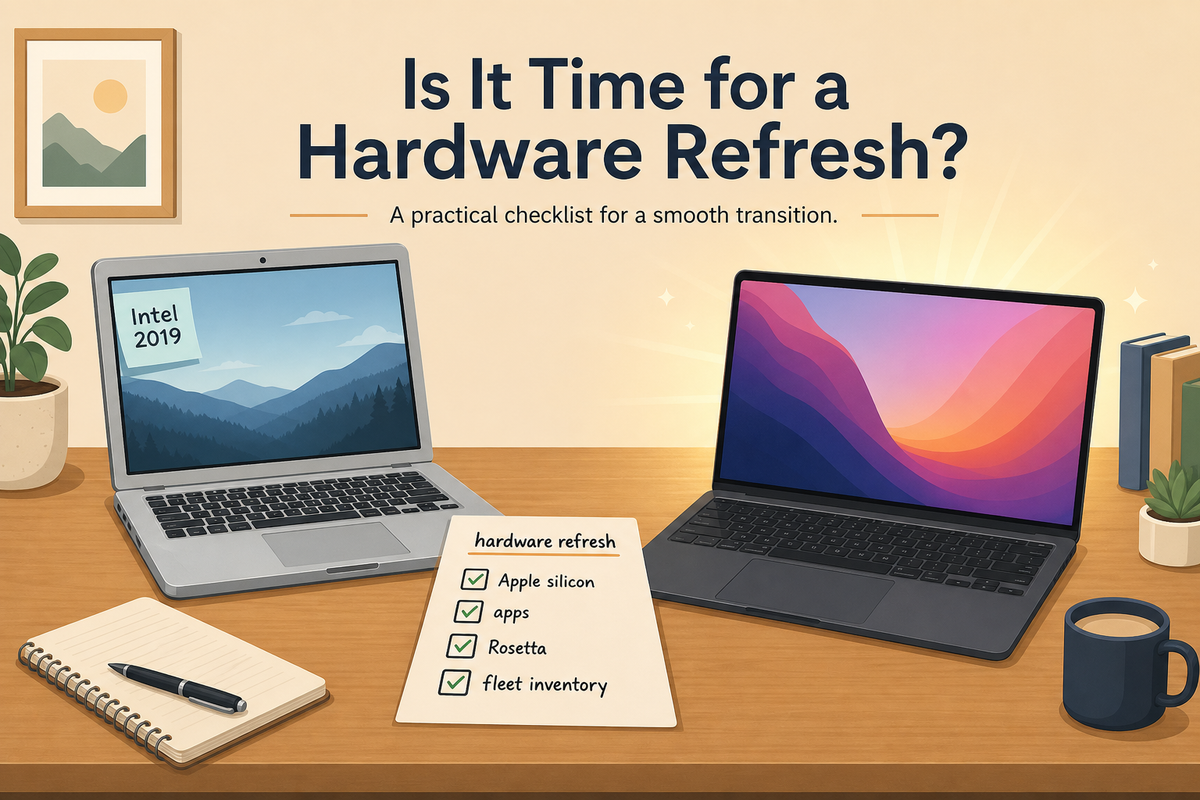
I watched the WWDC keynote and did exactly what I assume a lot of Mac people did afterward: I got excited and went to install the new macOS beta.
Then I checked the supported Macs and remembered the detail I had been conveniently ignoring. My MacBook Pro is a 2019 Intel model.
It has served me well. It has 16 GB of RAM and 512 GB of storage, and for years that was fine. But macOS 27 is where that story ends for me. Apple's macOS 27 preview page points the new release at Apple silicon Macs, and Apple's own Apple silicon support page makes the distinction pretty plain: Apple silicon Macs show a Chip field in About This Mac. Intel Macs show a Processor field. I checked mine. Intel.
So I did the reasonable thing, or at least the thing I can justify to myself. I ordered a MacBook Air with 24 GB of RAM and 1 TB of storage. Apple gave me $220 on trade-in for the old MacBook Pro, which made the whole thing feel a little less irresponsible. I also got the dark finish, which looks ridiculously good. I am not pretending that did not influence me.
The funny part is that this is not some painful downgrade from a "pro" machine to an "air" machine. For the mobile work I do, the MacBook Air is all the Mac I need. It is probably going to feel faster, quieter, lighter, and more practical than the Intel MacBook Pro it is replacing. The Pro-versus-Air label matters less than the chip inside at this point.
That is the personal version.
The endpoint management version is less charming: Intel Mac hardware is reaching the end of the road, and fleets that have been coasting on old hardware are about to feel it.
The Intel cutoff is not theoretical anymore
Apple started the Apple silicon transition in 2020. That was six years ago. For a personal machine, it is easy to shrug and say, "I will replace it when I have to." That is basically what I did.
For a managed fleet, that approach gets expensive fast.
If you manage Macs, you need to know which devices are still Intel, which users depend on them, which apps are still Intel-only, and which workflows are quietly leaning on Rosetta. That is not a someday project. It is inventory work that should already be in motion.
Apple has also been clear about the software side. In its developer messaging, Apple says macOS 27 will be the final release to support Rosetta, after which Intel-only apps will no longer run on Macs with Apple silicon except for a limited older-games case. Apple's Rosetta documentation explains what Rosetta does today: it lets Apple silicon Macs run apps containing x86_64 instructions, but it was always a transition tool.
Transition tools end.
We have already called this out in the FileWave KB as an Apple EOL advisory for Intel-based apps and Rosetta dependencies. The risk is not just that an old Mac cannot install the next shiny operating system. The bigger problem is that an app, installer, plug-in, driver, extension, or weird departmental workflow may still depend on Intel code and nobody wrote it down.
What I would check before the panic starts
First, find every Intel Mac still in the environment. Not just the obvious ones. Find the shared lab machines, carts, loaners, field devices, conference room Macs, and the one Mac mini under somebody's desk running a process everyone forgot about.
Second, separate hardware replacement from app readiness. Those are related, but they are not the same. Replacing an Intel Mac with Apple silicon fixes the hardware support problem. It does not automatically prove that every app and workflow is native, supported, or sane.
Third, inventory Intel-only apps and Rosetta use. You want to know which apps are still x86_64 only, which Universal apps are being forced to open with Rosetta for plug-in compatibility, and which vendors have no clear Apple silicon path. The time to find that out is before the OS upgrade window, not when a user is staring at an app that will not launch.
Fourth, update procurement standards. At this point, buying or redeploying Intel Mac hardware for normal production use should require a very specific reason. If the reason is "it still works," that is not enough. Lots of things still work right before they become someone else's emergency.
Finally, communicate the timeline in plain language. Users do not need a lecture on CPU architecture. They need to know whether their device is eligible, whether their apps are ready, and when they should expect a replacement.
Where FileWave fits
This is where device management stops being an abstract dashboard and becomes a practical planning tool.
In FileWave, I would want inventory that makes the Intel footprint obvious: model, processor/chip type, OS version, last check-in, assigned user, department, location, and any business-critical apps installed on the machine. I would also want custom fields or reports that flag Rosetta risk: Intel-only apps, apps without known Apple silicon versions, and devices tied to workflows that need manual validation.
That gives you the replacement list. It also gives you the exception list, which is usually the more important one.
For FileWave customers, the KB advisory is a decent starting point because it keeps the message simple: inventory Intel exposure, assess operational impact, engage vendors, pilot migration paths, set upgrade guardrails, and update procurement standards. That is not glamorous work. It is the work that keeps a hardware transition from turning into a help desk week from hell.
My small lesson from a shiny new laptop
I am looking forward to the new MacBook Air. More memory, more storage, Apple silicon, and a finish I already know I am going to like more than I should. It is a perfectly reasonable upgrade dressed up as a toy. I can live with that.
But the reason this stuck with me is that my personal upgrade was easy. One machine. One user. One trade-in. One decision.
A fleet is not like that.
If you manage Macs, the end of Intel is not just a compatibility footnote from WWDC. It is a refresh plan, an app inventory project, a procurement policy change, and a communication problem all arriving at roughly the same time.
Do not wait until the keynote makes you want the new thing. Check the old things now.
Sources
- Apple: macOS 27 Golden Gate preview
- Apple Support: Mac computers with Apple silicon
- Apple Developer: About the Rosetta translation environment
- Apple Developer: Hello, May 2026
- FileWave KB: Apple EOL Advisory: Intel-Based Apps and Rosetta Dependencies on Apple Silicon