Microsoft's June patch pile needs triage before rollout
Microsoft's June 2026 security release is unusually large, and Adobe shipped its own stack of updates the same day. The practical work is triage: exposure, restarts, proof of installation, and the exceptions hiding outside the happy path.
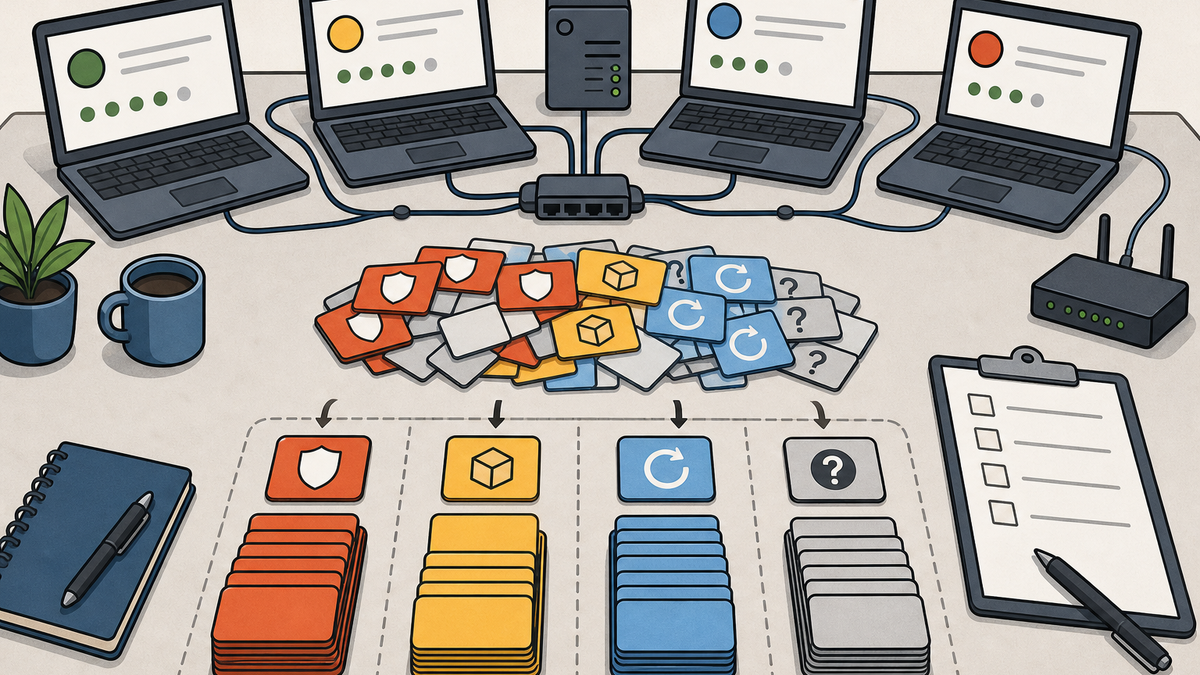
Microsoft's June 2026 security release is big enough that the CVE count almost gets in the way.
Microsoft's June Security Update Guide release notes list 206 Microsoft CVEs and 362 republished non-Microsoft CVEs. Zero Day Initiative counted 208 Microsoft CVEs and 571 total CVEs if you include Chromium and other third-party bugs. I am not going to argue over the two-CVE difference. It is a noisy month.
Big patch lists make teams treat every line item as urgent. I do not run it that way.
Start with exposure, not the headline count
The first pass is which systems in your environment are actually exposed.
Look at CVE-2026-47291, a Critical HTTP.sys remote code execution vulnerability with a CVSS 9.8 score. Microsoft says exploitation is more likely. Systems using the default MaxRequestBytes value of 16 KB are not impacted, and Microsoft documents registry mitigation options for systems that changed that value.
This directs a specific question: do you have Windows systems processing HTTP traffic through HTTP.sys, and did anyone change that request-size setting?
Remote Desktop Client follows a different pattern. CVE-2026-42985 is Critical and marked more likely to be exploited, but it requires a user to connect to an attacker-controlled Remote Desktop server. That directs attention to users and workflows where outbound RDP is normal, not to every machine.
Then there is CVE-2026-45585, the BitLocker security feature bypass Microsoft calls "YellowKey." It requires physical access. TPM+PIN systems are not exploitable, and Microsoft provides mitigation guidance for devices or data that may be at risk, especially laptops that leave controlled spaces.
These details change the priority list. A classroom cart, a shared front-desk machine, a remote engineer's laptop, and an internet-facing Windows server do not carry the same risk. Treating them the same is how the important exceptions get missed.
The cumulative updates still need ordinary proof
For Windows 11 24H2 and 25H2, Microsoft published KB5094126, which brings systems to OS builds 26100.8655 and 26200.8655. For Windows 11 26H1, Microsoft published KB5095051, build 28000.2269. Microsoft says it is not currently aware of issues with either update.
I still run a pilot group, track install status, build numbers, restart status, and machines that did not check in. I also want someone to read the release notes before we tell leadership we patched Windows. The June notes include Secure Boot certificate targeting details, servicing stack updates, and AI component updates that apply only to Windows Copilot+ PCs. Those explain why different devices behave differently.
There is also a restart requirement for hotpatch environments. Microsoft's June 9 baseline note says the June 2026 Windows security update is delivered as a baseline update instead of a hotpatch update for Windows 11 Enterprise LTSC 2024, because of the public disclosure of CVE-2026-45585. Baseline means restart required. If your users were told hotpatch would reduce reboot pressure, this is the month to be precise.
Do not forget the apps sitting beside Windows
Adobe also had a busy June 9. Its security bulletin index lists 11 bulletins published that day, including Acrobat Reader, ColdFusion, InDesign, InCopy, Dreamweaver, Adobe Campaign Classic, and others.
For most organizations, Acrobat Reader is the one that will matter on endpoints. ColdFusion and Campaign Classic are server problems. Reader is the app that ends up installed everywhere and owned by nobody when inventory is weak.
Windows is the headline, but the user-facing risk usually includes browsers, PDF readers, VPN clients, remote access tools, security agents, and line-of-business apps. If your report only answers "did Windows install the monthly cumulative update," it is not answering the whole patch week.
The checklist I would run this week
If I owned the rollout, I would split the work into these buckets.
First, confirm which Windows versions and builds are in the fleet. Separate Windows 11 24H2, 25H2, 26H1, Windows 10 holdouts, servers, shared devices, lab machines, and anything that only checks in once in a while.
Second, map the riskier CVEs to actual exposure. HTTP.sys risk belongs with systems using the Windows HTTP stack in relevant configurations. Remote Desktop Client risk belongs with users who connect to external or less-trusted RDP servers. YellowKey belongs with physical-access risk, BitLocker posture, WinRE state, and whether TPM+PIN is in use.
Third, patch in a pilot before broad deployment. Include normal laptops, a few weird machines, a remote user, a shared device, and at least one system that usually finds the edge cases. The pilot should prove install, restart, BitLocker recovery behavior, VPN behavior, and the apps people need Monday morning.
Fourth, track proof instead of intent. A policy assignment is not the same as an installed update. I want installed KB, OS build, last reboot, last check-in, failed install reason, and whether the device is waiting on a user action.
Fifth, patch the common third-party apps in the same operational window, or at least document why they are separate. Acrobat Reader deserves a real answer this month if it is widely deployed.
Finally, write down the exceptions. If a device missed the update because it was offline, low on disk, blocked by a safeguard, excluded from a pilot, or owned by a team that never responds, say that. Unknown is not a status. It is a backlog.
Where FileWave fits
This is the kind of week where a management tool earns its keep by making the messy parts visible. If you use FileWave, I would not frame the work as one button that solves the June patch problem. That is not real life.
FileWave can handle Microsoft OS patching too. The FileWave 16+ software update deployment guide is worth reading before you build the workflow, especially if you are coming from an older setup. The important pattern is staged deployment: small Alpha group, broader Beta group, then Production. Use Deployments so settings and exceptions stay manageable, and make sure Windows OS updates are not assigned to pre-16.0 clients.
I would use FileWave inventory and Custom Fields to pull the evidence into one place: OS build, last reboot, BitLocker posture, app versions, device model, location, last check-in, and any local setting that affects exposure. Inventory Reports turn that into the list you actually work from.
For third-party Windows apps, FileWave's WinGet Fileset support can help with packaging and deployment where it fits. The useful question is whether you can find the affected devices, push or verify the fix, and explain the remaining exceptions without guessing.
The practical takeaway
Do not let the size of Microsoft's June release turn into a vague emergency. Big counts are a signal to organize the work.
This week I would keep three lists: devices patched and restarted, devices still exposed for a known reason, and devices where the status is unknown. The first list is your progress. The second is your plan. The third is where the next incident usually starts.
Sources
- Microsoft MSRC: June 2026 Security Updates
- Microsoft Support: June 9, 2026, KB5094126 for Windows 11 24H2 and 25H2
- Microsoft Support: June 9, 2026, KB5095051 for Windows 11 26H1
- Microsoft Support: June 9, 2026 baseline note
- Microsoft MSRC: CVE-2026-47291 HTTP.sys remote code execution vulnerability
- Microsoft MSRC: CVE-2026-42985 Remote Desktop Client remote code execution vulnerability
- Microsoft MSRC: CVE-2026-45585 BitLocker security feature bypass vulnerability
- Adobe: Security Bulletins and Advisories
- Zero Day Initiative: The June 2026 Security Update Review
- FileWave KB: Best Practice Guide: Software Update Deployment in FileWave 16.0+
- FileWave KB: Custom Fields
- FileWave KB: Inventory Reporting
- FileWave KB: Microsoft WinGet Overview