Define the management boundary before enrolling a personal device
Before offering BYOD enrollment, decide what IT can see, enforce, erase, and support. Then confirm the approved enrollment model can provide the required controls.
A post from Nathan McNulty warned people not to enroll personal devices in a company's MDM because IT may gain broad access and install security software the user cannot remove. I understand the reaction. Nobody should accept an undefined management profile on a personal phone.
That warning can be true for some enrollment methods combined with device-wide security software. It is false as a blanket description of every MDM enrollment. Apple and Android both have enrollment models built for personally owned phones and tablets, with less IT control than their organization-owned deployment models.
Before a solo or small K-12/SMB endpoint team sends an enrollment link, it should document the required controls and confirm that the approved BYOD model can provide them.
This article is about iPhone, iPad, and Android BYOD. Personal Windows and Mac computers need a separate decision because the available controls, agents, and support expectations are different.
Start with who owns the device
Ownership should decide the default management model.
If the organization owns a phone or tablet and supplies it for work, it can choose an organization-owned enrollment model with broader controls. IT may need device-wide restrictions, operating system update enforcement, complete application inventory, lost-device controls, or the ability to erase the device. The organization should still explain its monitoring and acceptable-use rules, but it owns the hardware and the work data on it.
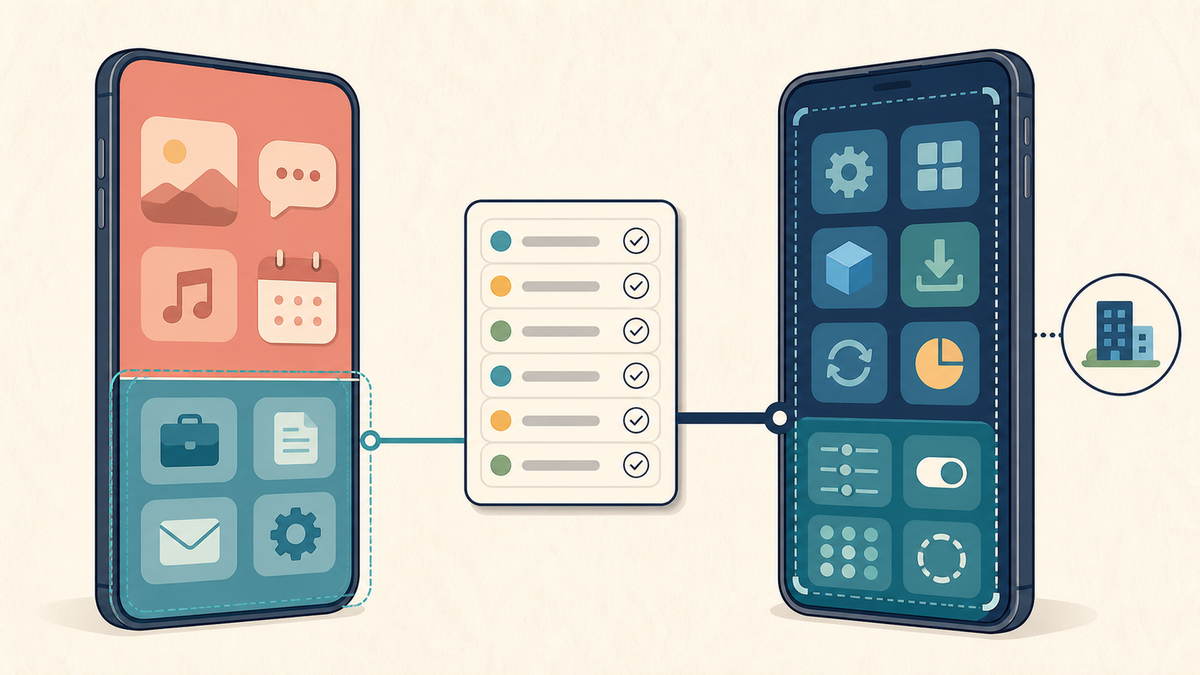
A personally owned device needs a narrower boundary. Apple's Account-driven User Enrollment is designed for BYOD and limits management to the organization's accounts, settings, and information. Android Enterprise uses a work profile as a separate space for work apps and data. Google says the organization controls that work profile but has no visibility or access to the personal profile.
That difference belongs in the enrollment decision, not in a help-desk explanation after someone notices a management notification.
Decide what the work actually requires
List the controls required for the work before choosing an enrollment type. Keep it tied to real data and applications.
For example:
- Which work applications and accounts must be installed or configured?
- Does work data need a managed storage container or per-app VPN?
- Must IT remove work data remotely when employment ends or the device is lost?
- Is blocking access enough when the device is outdated, or must IT enforce the operating system update?
- Does the organization need a device serial number, complete application inventory, or a full-device wipe?
- Will an endpoint security agent inspect activity outside the managed work area?
Apple's enrollment comparison makes the tradeoff concrete. Account-driven User Enrollment can install managed apps and erase managed data, but it cannot query the serial number or the complete app list. It cannot erase all content and settings, enforce software updates, or take over a personal app.
Treat those limits as fixed properties of User Enrollment.
If the job requires controls outside that boundary, check whether the platform provides them through an organization-owned enrollment model. If it does, issue an organization-owned device. If it does not, change the access method or the work requirement instead of pushing personal hardware into a broader management path.
Write down the visibility and erase boundary
Before enrollment, the endpoint admin should document and test what IT can and cannot do. Leadership or the data owner should approve the BYOD policy, its exceptions, and the short explanation given to users. The exact list should come from the enrollment model and the security tools actually deployed.
I would state:
- What device and operating system details IT can see.
- Which work applications, accounts, certificates, and network settings IT manages.
- Whether IT can see personal applications, files, messages, browser history, or location.
- Whether a security agent runs only in the work area or has device-wide access.
- What IT can remove remotely.
- What happens to work data when the user unenrolls or leaves the organization.
- What conditions can block work access.
Do not copy a generic privacy statement from the MDM vendor. Check the settings, assigned applications, certificates, and VPN in your own enrollment path. For every filtering or security agent, read its primary documentation and test its visibility, network scope, permissions, and removal behavior separately. Do not infer those capabilities from the MDM enrollment type. An Apple User Enrollment with managed apps differs from profile-based Device Enrollment. An Android work profile differs from a fully managed Android device.
NIST SP 800-124 Rev. 2 treats choosing a deployment model and determining EMM capabilities as design work in sections 5.1.3 and 5.1.5. Sections 5.3.5 and 5.3.6 call for verification and deployment testing. Use that order here: choose the model, test it in your environment, then open enrollment.
Keep the support boundary as clear as the privacy boundary
BYOD often creates an unstated support promise. A user enrolls a phone for email, then expects IT to fix storage pressure, personal backups, a cracked screen, family-account conflicts, or an unrelated app problem.
Write down what the help desk supports:
- Enrollment and removal of the work profile or managed account.
- Work applications and organization-provided configuration.
- Access to work services.
- A documented set of supported operating system versions and device types.
The owner remains responsible for the personal device, personal backups, carrier service, repairs, and personal applications. If the employee cannot complete work because the personal device falls outside the supported boundary, the next step is a work-access decision. It should not turn the endpoint admin into personal phone support.
Small teams also need a refusal path. A person may reasonably decline management on personal hardware. The organization can offer a lower-control access method when the data and risk allow it, provide an organization-owned device, or decide that the role cannot use BYOD. That call belongs to leadership and the data owner, not to the technician standing at the enrollment screen.
Define the unsupported-device path too. When a personal device falls below the approved OS floor or otherwise leaves support, the help desk should know whether to block access, route a time-limited exception for approval, or offer an organization-owned device.
Test enrollment and removal on real devices
A successful enrollment screen proves very little. Use a small pilot that represents the device and OS classes the organization has agreed to support.
Test the full path:
- Enroll using the intended personal-device method.
- Confirm the right work apps, accounts, certificates, VPN, and restrictions arrive.
- Record what the management console can inventory.
- Try the work tasks the user needs.
- Block work access for a test account and verify the user sees a useful explanation.
- Test administrative removal, then test user-initiated unenrollment separately when the platform permits it.
- Confirm that work apps, credentials, certificates, and data are gone while personal data remains.
- Compare the written user explanation with what the enrolled device actually shows about management.
- Reenroll once, because the return path is where stale records and old assignments often show up.
The test record should include device ownership, enrollment type, supported OS range, assigned policy set, visible inventory, erase scope, test date, technical owner, approval owner, and next review trigger. Do not let personally owned and fully managed devices look identical in the admin's working view.
Separate BYOD devices in FileWave
FileWave documents Account-driven User Enrollment for iOS and iPadOS and Android Enterprise work-profile enrollment. The Android inventory includes an Is User-Owned field specifically for distinguishing BYOD devices from fully managed devices.
I would put ownership and enrollment type in the client view and in any report used to review mobile policy assignments. Then I would check personally owned devices for the BYOD policy set rather than assuming that a mobile-device icon tells me enough.
The organization still has to choose and explain the boundary. Record the exact BYOD group or policy assignment in the pilot, then verify that personally owned devices can be separated before broader policies are assigned.
Before I offered BYOD enrollment, I would want one page that answers six questions: who owns the device, which enrollment model it uses, what IT can see, what IT can erase, what IT supports, and how work data is removed at offboarding. If the personal-device model cannot provide a required control, I would check the organization-owned model and either supply a suitable device or change the access path.