If osquery is in your fleet, know which build is running
osquery 5.23.1 is a bug and security fix release, currently marked prerelease on GitHub. If you use osquery for endpoint visibility, inventory the agent, test the build, and manage its configuration like any other fleet component.
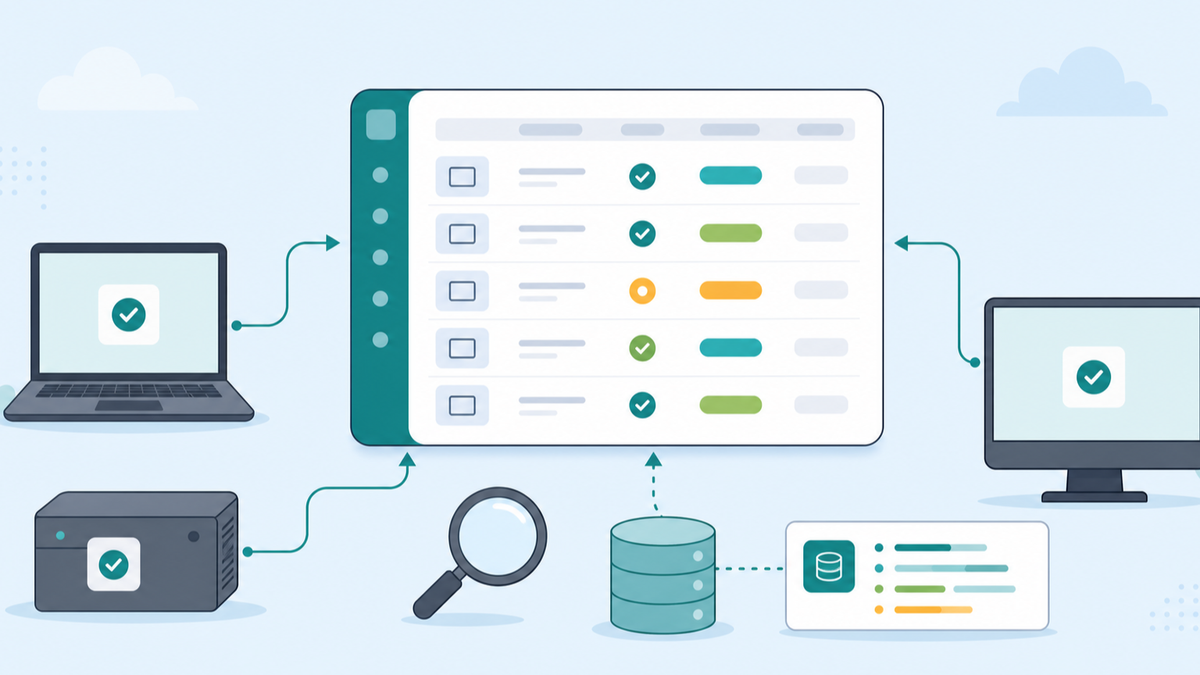
If you're using osquery anywhere in your environment, you should know which devices run it, which version they run, and who owns the configuration.
It sounds obvious until you try to pull the report.
osquery usually shows up from a security team, a platform team, or one admin who wanted better endpoint visibility. It runs quietly for years because it stays useful: ask the machine a SQL question and get structured data back. Installed apps. Startup items. Listening ports. Package versions. Kernel extensions. Browser extensions. Data that admins normally chase across separate tools.
The osquery project released 5.23.1 on June 24, 2026. The release notes call it a bug and security fix release. The security fixes include heap buffer overflows in the Windows processes and authenticode tables and a use-after-free in the Linux process_file_events implementation. The release also fixes incorrect permissions on temporary file carve directories and Windows certificates table data for the subject2 and issuer2 columns.
GitHub currently marks 5.23.1 as a prerelease, while the latest release link still resolves to 5.23.0. I treat that differently than a stable release. Any process that simply tracks GitHub's latest release should still land on 5.23.0, not 5.23.1. It's a prompt to do the admin work that should already be in place for any endpoint agent.
Which devices have osquery installed? Which ones are still on 5.23.0 or older? Which tables and packs are you actually using? Which teams will notice if the daemon stops, changes logging behavior, or starts using more resources? If you can't answer those questions quickly, the version number is only part of the problem.
osquery is useful because it's close to the machine
osquery is not a normal app from an endpoint-management point of view. The daemon, osqueryd, schedules queries and records operating-system state changes over time. The osquery documentation describes it as a host monitoring daemon that can schedule queries, log changes, and use operating-system eventing APIs.
That's why people like it. It can answer questions that are hard to standardize across macOS, Windows, and Linux.
It's also why I don't like seeing it treated as a one-off utility.
On Windows, the documentation describes running osquery as a SYSTEM-level service and points admins toward Chocolatey or official binaries. On macOS, the package installs an app bundle under /opt/osquery/lib/osquery.app and provides osqueryi and osqueryctl symlinks in /usr/local/bin. On Linux, the packages install the daemon, example configuration, startup scripts, and logs under paths such as /etc/osquery, /opt/osquery, /var/log/osquery, and /var/osquery.
That's a fleet component. It has a binary, config, service state, logs, update path, and failure modes. Manage it that way.
Separate inventory from deployment
The obvious take is: security fix, update immediately.
I don't think that's the right call here.
5.23.1 fixes security issues, but it's marked prerelease. That doesn't make it bad. It means separate inventory from deployment.
Inventory can happen today. You should know where osquery exists and which version is installed. Testing can happen today too. Pick representative Windows, macOS, and Linux devices, especially devices that use the affected Windows and Linux tables or file carving behavior. Run your normal packs. Check the service status. Review the logs. Confirm the queries you depend on still return expected data.
A broad production rollout is a separate decision. Base it on your risk, affected devices, the tables you use, whether the project promotes a later stable build, and whether your testing shows clean behavior.
This is the same discipline I use for browser updates, EDR sensors, VPN clients, backup agents, and anything else that sits close to the endpoint. The fact that osquery is open source doesn't remove the need for staged deployment. It gives you more visibility into what changed.
What I would inventory first
If I walked into an environment where osquery was already installed, I'd start with a small report before touching the package.
I'd want these fields:
- Installed or missing.
- Installed version.
- Operating system and architecture.
- Config source or config path.
- Service or daemon state.
- Last check-in or last successful query result, if you collect that centrally.
- Owner: security, infrastructure, desktop engineering, or somebody specific.
Keep it boring and filterable. A 400-line osquery result in an inventory field is not helpful. A device state like missing, 5.23.0, 5.23.1-test, or service-not-running is helpful.
If you use FileWave, this is where Custom Fields fit nicely. FileWave Custom Fields can populate inventory values from client scripts, and FileWave Fileset scripts can run at defined deployment stages. Use the management layer to answer the simple question first: do I have the agent, and is it the version I think it is?
For a macOS or Linux Custom Field, the first pass could be as small as this:
#!/bin/zsh

if command -v osqueryi >/dev/null 2>&1; then
  osqueryi --line "select version from osquery_info;" | /usr/bin/awk -F' = ' '/^version/ {print $2; exit}'
else
  echo "missing"
fi

exit 0
For Windows, use the installed path you standardize on, usually under C:\Program Files\osquery, and return one clean value. The reporting field shouldn't be clever. It should tell you which devices need attention.
FileWave's script best practices are worth following here too: keep requirements scripts small, avoid secrets in scripts, test in the same execution context the client uses, and log enough to troubleshoot without dumping noise into inventory.
The configuration deserves the same treatment as the package
The osquery binary is only half the deployment. The configuration decides what the daemon does.
The configuration documentation describes a deployment as installing tools, reviewing osqueryd, configuring and starting the service, and managing or collecting query results. The config includes daemon options, scheduled queries, packs, file-change monitoring, and logging choices. It also supports platform restrictions, intervals, sharding, snapshot behavior, and query packs.
That gives you power. It also gives you a lot of room to make laptops miserable if you schedule expensive queries too often.
The performance safety guide says to measure query performance before scheduling queries across enterprise hosts. That advice hits laptops harder than servers. Laptops sleep, roam, run on battery, sit on bad Wi-Fi, and belong to people who will notice if a background agent gets noisy.
So I'd track the config version as well as the agent version.
If you change query packs, report the config version. If you test new tables, test them on real devices before assigning them broadly. If you use snapshot logging, understand the output volume before you point it at every machine. If you are collecting results centrally, make sure the owner of that pipeline knows an agent update is being tested.
Test the secureboot_certificates table on Linux laptops
The 5.23.0 release added a secureboot_certificates table for Linux. That gives admins one more structured way to ask a real device what state it's in, instead of relying on assumptions about the image or the setup guide.
I wouldn't turn one new table into a whole compliance program overnight. I'd test it on a few models first. Fedora laptop, Ubuntu laptop, developer machine with Secure Boot enabled, one older machine with weird firmware if you have it. See what comes back. Compare it with the other commands or reports you already trust.
This is the useful pattern for Linux endpoint management. Pick a question you need answered and prove you can answer it repeatably from inventory.
For osquery, that question might be:
- Which Linux laptops expose Secure Boot certificate data through the new table?
- Which package managers are visible through the updated package tables?
- Which machines return errors for the packs we want to use?
- Which devices should be excluded because the hardware, role, or owner makes the check irrelevant?
osquery can complement a management platform instead of replacing it. FileWave can own deployment, grouping, timing, and reporting. osquery can provide targeted local visibility when you need a sharper question than normal inventory gives you.
My rollout path
If I owned osquery in a managed fleet this week, I'd do this:
- Inventory current osquery installation and version across Windows, macOS, and Linux.
- Identify which teams depend on osquery data and which packs or tables they use.
- Read the 5.23.1 release notes and note that the release is marked prerelease while 5.23.0 remains the latest non-prerelease tag.
- Build a small pilot package or deployment path for the new build.
- Test the affected areas first: Windows process and Authenticode queries, Linux process file events, file carving behavior, and any certificate queries you rely on.
- Confirm service state, logs, and query output after the update.
- Report agent version and config version back into inventory.
- Decide whether to hold for a stable follow-up, expand the pilot, or roll forward because your exposure justifies it.
Waiting can be a defensible decision. Having no idea where osquery is installed is not.
osquery is a good tool. It gives admins a structured way to ask better questions across messy endpoint fleets. But once it's installed everywhere, it becomes part of the fleet. Keep the agent visible, keep the config versioned, and make the update decision with real inventory in front of you.
Sources
- osquery 5.23.1 release notes
- osquery 5.23.0 release notes
- osquery daemon documentation
- osquery configuration documentation
- osquery performance safety guide
- osquery install on Windows
- osquery install on macOS
- osquery install on Linux
- FileWave Custom Fields
- FileWave Fileset Scripts Overview
- FileWave Script Best Practices