AI in Endpoint Management: What’s Real and What’s Hype
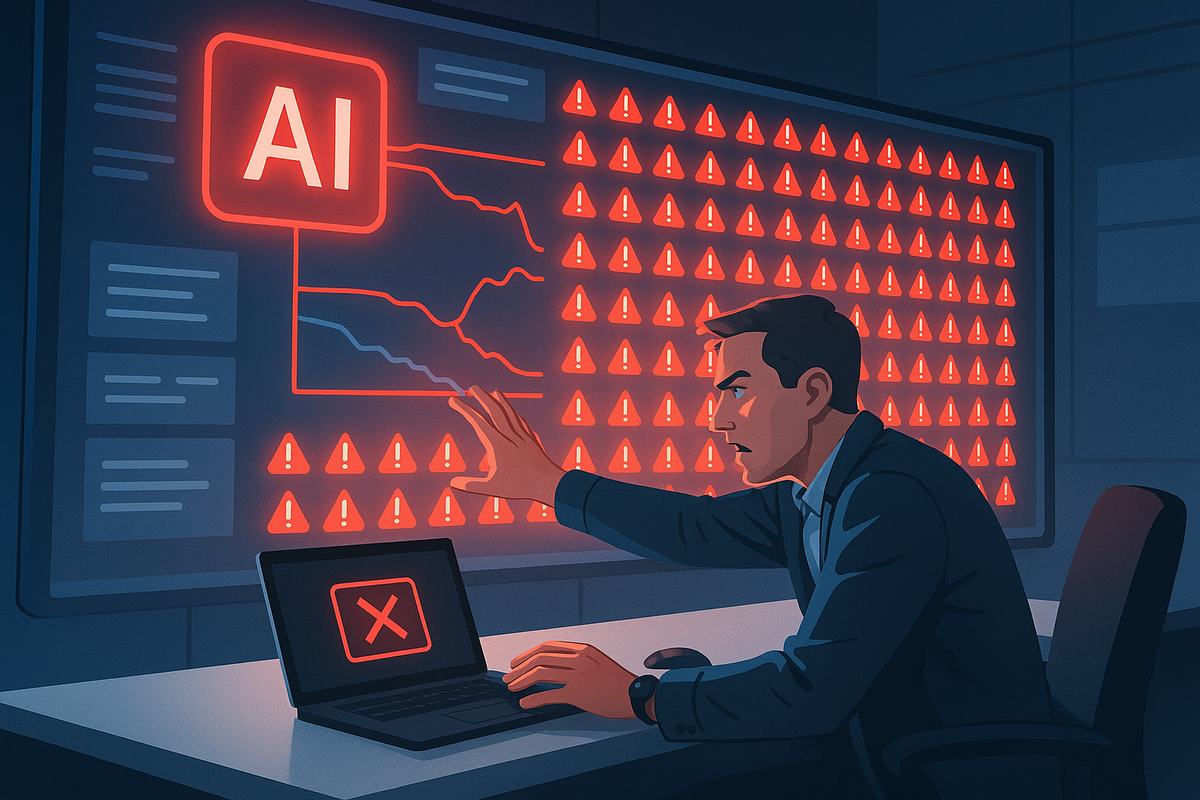
Artificial Intelligence (AI) is everywhere right now. It is seen in every industry from tech to potato chip production. In endpoint management, AI comes with very specific concerns. When you manage systems that control thousands of endpoints — laptops, desktops, servers, and mobile devices — you have to be careful about how much autonomy you give a machine. A mistake at that scale does not stay small for long.
In the right role, AI can be incredibly useful, but it also introduces real risks if it’s implemented without guardrails. The conversation about AI in IT often jumps straight to automation and replacement, but that misses the more useful question: how much control are you actually giving it? Even this article is an example — I’m using AI to help proofread it. That is very different from giving AI the ability to make changes or take action across live systems. The guardrails should match the level of risk involved. Used well, AI can be a genuine performance multiplier for IT teams, and at times it can feel almost like a superpower.
“With great power comes great responsibility.”
— Uncle Ben
Where AI Is Already Helping
In my own work, one of the most obvious places AI adds value is documentation. Like many software platforms, our knowledge base contains a large number of articles — well over a thousand. Over time, documentation naturally becomes outdated as software evolves. One of the things I’ve been experimenting with is using AI to help manage that process more intelligently.
For example, I’ve been building workflows in tools like n8n that tie APIs together and use small, tightly scoped AI calls to review knowledge base articles and flag content that hasn’t been updated in a long time. If an article hasn’t been touched in twelve months, the deterministic part of the workflow can automatically tag it for review. From there, AI can analyze the article and point out areas that might no longer be accurate.
That doesn’t mean AI edits everything automatically. Instead, it highlights potential issues so I can review them quickly. In some cases I’ll accept its suggested corrections. In others, I’ll update things manually. Documentation may still lag at times, but even with all the automation in the world, humans still need to steer it and make sure errors do not creep in. AI can investigate and propose; humans approve changes. The key point is that AI dramatically speeds up the process while still keeping humans responsible for the final result.
AI also helps teams find the right information faster. When you have a large documentation library, even internal support teams can struggle to remember where everything lives. In our case, the knowledge base chatbot is powered by Wonderchat, which uses ChatGPT behind the scenes so users can search by concept rather than by exact wording. That means people do not need to know the magic keyword buried in an article to find the right guidance. The Wonderchat team has built a very capable product for that use case, and it makes the experience much more practical than traditional search tools.
AI Can Also Improve Software Development
Another area where AI is becoming valuable is development workflows. One of the most interesting applications I’ve explored is what’s sometimes called agentic quality assurance — using AI to help build and run test plans against software.
As an experiment, I took an old open-source project I worked on years ago that had stopped functioning because the underlying programming language had changed over time. I gave the code to an AI system and asked it to analyze the project.
Within a couple of hours, it had repaired the code so it would run again, generated a full QA test plan, spun up a testing environment, interacted with the application through a browser, documented errors it encountered, and proposed code fixes. As a proof of what may be possible in the near future, it was impressive.
That doesn’t mean developers disappear. Far from it. Tools like Claude Code and Codex can already be real programming partners for production code when a human still performs a proper code review before changes are checked in. In that model, the programmer becomes more of an artist than someone hand-coding every mundane routine, but the programmer’s skill still matters because that is what keeps nonsense out of the codebase.
Used properly, AI becomes another set of eyes on the code.
The Risk of Fully Autonomous Systems
This is where AI can stop feeling impressive and start becoming a real operational risk. Endpoint management platforms have tremendous power. They can install software, configure systems, collect data, and even wipe devices remotely. Because of that, you must think very carefully about what happens if an AI system is allowed to act autonomously.
Imagine a system that misunderstands a command or a condition and triggers a destructive action across thousands of devices. That is not hypothetical. It is exactly why guardrails need to be built in from the start.
For that reason, in endpoint management, the level of AI autonomy should match the level of risk involved. AI can investigate, recommend, and help prepare changes before a human approves them.
For example, AI might help an administrator create a smart group or generate a report. It might identify anomalies in device inventory or highlight security risks. But the actual operational actions — the things that could impact real systems — should remain under human control for the time being. Current AI platforms can operate within safety boundaries and guardrails, but they still do not truly understand the real-world consequences of their actions the way a human administrator does.
This kind of model allows AI to improve efficiency without introducing unacceptable risk.
Automation and AI Are Not the Same Thing
Another common misconception is that AI simply replaces automation. In reality, endpoint management platforms already automate a tremendous amount of work.
For example, in FileWave, a Custom Field can run automatically on the endpoint and check whether Microsoft Defender is healthy. If the result shows a problem, that result can automatically place the device into a Smart Group, which then triggers a Fileset to deploy and remediate the issue automatically. None of that requires AI, but it saves administrators a great deal of time and allows routine problems to be fixed almost automagically.
That kind of deterministic automation has existed for years. Automation executes predefined logic. AI helps humans analyze patterns, generate insights, and make better decisions. In practice, the most useful implementations often combine both. Deterministic workflows handle the repeatable steps, while AI helps interpret information, generate suggestions, and refine what should happen next.
Instead of replacing automation, AI has the potential to enhance it. Those are also the kinds of areas where AI could add value to FileWave if it is ever allowed to take a more active role. But the moment you give AI the ability to act, you also have to think about safety, security, and privacy in how it is implemented so that a mistake should never be possible. That brings us to the next challenge.
The Real Challenge: Security and Privacy
Where things get complicated is data. Organizations need to think carefully about what information is being sent to an AI system and how that data is handled.
If you use an external AI service, you’re effectively sending data to another company for processing. That may be perfectly acceptable in some situations, but it becomes more sensitive when you’re dealing with proprietary code, internal systems, or regulated information. That also means understanding which service is processing the data, where that data is going, and what the provider’s retention and privacy practices actually are.
Depending on the environment, you may need to consider regulations such as GDPR, FERPA, HIPAA, or PCI compliance. In those cases, even something as simple as a device name could fall under privacy protection rules, especially if it includes the name of the person assigned to it. Geolocation data can also become sensitive very quickly when it is tied to a person or a specific device.
There are ways to address this. One option is to use local AI models with tools like Ollama that run entirely within your infrastructure, so the data never leaves your environment. But commercial cloud models may also be acceptable depending on their governance, whether your data is used for training, where the provider processes and stores data, and which country or region your devices and users are in. For example, an AI service operating in the United States that is processing device data from Germany may introduce additional privacy and legal considerations. Local models reduce some of that exposure, but they come with their own considerations, such as additional infrastructure requirements.
The important thing is that organizations treat AI as a security architecture decision, not just a feature.
Why Every Organization Needs an AI Policy
One of the biggest risks I see today isn’t the technology itself — it’s the lack of clear policy around how AI should be used. If an organization doesn’t define guidelines, employees will naturally start using AI tools on their own. That doesn’t happen because people are trying to cause problems. It happens because they’re trying to be more productive. Without clear rules, employees may unintentionally expose sensitive data to external systems.
Organizations should establish clear AI policies that address questions such as:
- Which AI tools are approved for use
- What types of data can be shared with AI systems
- Where AI can be used in development or operations
- What privacy and compliance requirements apply
Without that structure, you effectively create a new form of Shadow IT — technology being used inside the organization without proper visibility, approval, or governance. In more than 35 years in IT, I have seen that pattern play out over and over across industries. That usually does not happen because employees are trying to be reckless. It happens when IT and security teams do not give people clear guidance about what is permitted or do not take the time to evaluate solutions that might genuinely help them do their jobs. When employees are being asked to do more with less and every new idea gets a reflexive no, some will quietly implement their own workaround — and that is exactly how the organization ends up exposed.
AI Is Still a Game Changer
Despite all these considerations, I’m optimistic about AI’s practical value. Used responsibly, it can dramatically improve productivity across IT teams. It can help administrators generate scripts for human review, analyze systems more quickly, improve documentation, and retrieve information that would otherwise take much longer to find.
The real opportunity is not to hand everything over to AI. It is to apply it deliberately in places where it adds value, while putting guardrails in place that match the level of risk and control involved. For organizations starting this journey, the next step is not to chase the flashiest demo. It is to identify a few practical, low-risk use cases, define what data can be used, decide where human approval is required, and build from there.
That is the same journey we are on at FileWave. As we look at where AI can strengthen our workflows and, over time, parts of the product itself, we have to evaluate every use case through the same lens discussed in this article: safety, security, privacy, and operational control. When implemented with the right safeguards, AI doesn’t replace IT professionals.
It makes them better at what they do.
About the Author
Josh Levitsky is Global Head of Professional Services & Training at FileWave, where he leads services and training strategy while working with organizations on endpoint management across complex enterprise environments. Over more than 35 years in IT, he has held leadership roles at FileWave, Absolute Software, and Time Inc., and he has been CISSP-certified for 25 years and holds multiple CompTIA certifications. His current focus includes endpoint management, operational automation, documentation quality, and practical uses of AI that improve outcomes without sacrificing control, security, or common sense.